I would like to share this short video I made on using the Targeted Adjustment Tool in Adobe Lightroom 2. This tool gives us options in sliding around the tonal range of an image with ease. Double click the play icon below to enlarge video viewing size. Take a look and let me know what you think...

January 31, 2009


January 30, 2009
New Web Site Is Up
I would like to introduce you to my new web site dedicated to my digital art photography. The site can be found at www.JimDiVitale.com. That address should be easy to remember. There are lots of new images I have never shown before along with many of my classic digital montages and paintings from my portfolio.

From the splash page, you can launch into my fine art site in Flash (or HTML), or the DiVitale Photography commercial advertising site. I would love to have you take a look and pass along any comments to me as this new site takes shape. I am in the process of removing the remaining fine art image section from the main DiVitale Photography commercial web site to make room for a new portfolio section on architecture and interiors. I am working on a project photographing historic homes in the Atlanta area for a new book, so I will have lots of new images to post there soon. I am doing this new project as Merge to HDR images with little to no extra lighting added to achieve a very natural environmental look to the images. It's a fun project that will take many days of location shooting over the next few months....
I had a very busy time in Houston last week. Taught a 2 day hands-on class of 15 students with Steve Herzberg at PrairieFire Productions. We called it "Keep it Simple". We spent a lot of the time reviewing the best options for using digital imaging workflow tools. The class followed along on their computers as we did step by step assignments together in Photoshop and Lightroom. I will be back in the Houston area a couple of times this coming year for more two day workshops.
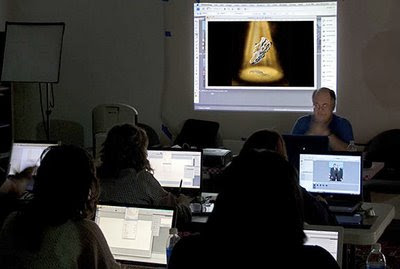
If you are not on Steve's mailing list for his newsletter, you can join at this address. Steve's newsletter goes out to over 45,000 subscribers and keeps you well informed on hot digital imaging products, topics, and techniques. Check it out at PrairieFire Productions.com. While I was in Houston, I did an Adobe presentation on What's new in Photoshop CS4 and Lightroom 2 for a packed house of ASMP photographers. I alway enjoy any time I get to work with any of the ASMP chapters around the US.
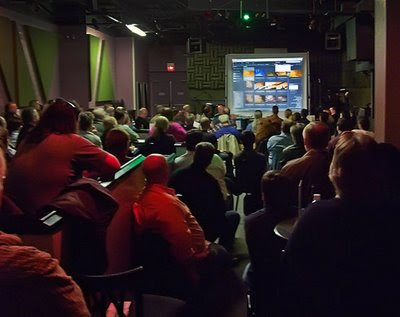
A few hours after my return to Atlanta, I made yet another evening presentation on Compositing for Advertising illustrations in PS CS4 to the Adobe Users Group of Atlanta. I met lots of new friends there. Sseveral of them decided to take my Tune-Up Clinic Class the following Saturday at PPR Atlanta. We had twice as many attendees this time in our second of these monthly courses I am holding at PPR. We did a fast paced 4 hour class on Raw processing in both Photoshop and Lightroom. For more info on the next class go to PPRAtlanta.com.
This week I have been working on series of magazine illustrations that had some nice Photoshop challenges. I will be posting a few things from that soon.... Got my case of print entries out to my first competition of this year at the Professional Photographers of California conference. Haven't competed in a while, so it was good to be working on that. We will see how well they do before the next round. Sorry for the delays in posting. With all this running around, I was out with a cold for few days and I am just now getting back to normal... Till next time.. Have a great week... Jimmy D...
January 19, 2009
Creative Selective Focus with FocalPoint from OneOne Software
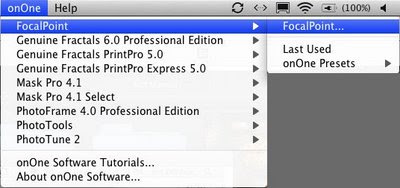
Selective focus isn't a new technique, but there sure is a new way to apply it like never before with OnOne Software's FocalPoint. This Photoshop plug-in has the ability to give the photographer control like we have never had before. I still like my tilt-shift Canon 90 mm lens and my Lensbaby, but when I need very exacting control and all the possible options for my selective focus photography, this is where I turn to for creative effects. This way I can have my sharp images and my selective focus images from the same original Raw capture. Best of all, I can pull images from my past and re-apply this plug-in to get a whole new look for my older images. This is a very simple to use Photoshop plug-in that has a unique dialog box for the control freak in all of us. Start by opening your file in Photoshop, and access the software plug-in from the OnOne drop down menu at the top of the screen.

In the large dialog box you have a control called the Focus Bug which looks like a large grid across your image. In the center is a small circle with handles that come out. These handles control the amount and direction of the blur and vignette. Pressing the Option Key (PC: Alt Key) allows you to change the direction of the plane of focus to follow the natural fall off of the image. It's easy to learn in just a few minutes of playing around with a photo. The sliders on the right side of the dialog box also work in conjunction with the Focus Bug handles.
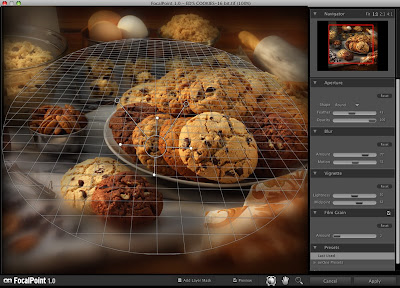
You can save any adjustments you like as a preset to return to them later. Always remember to add just a little noise back to the blurry part of the image with the noise slider. An amount of about 2 to 4 on the slider should be enough to bring back the original grain of the image to match. The vignette slider can make the the edges darker or lighter if you are doing a high key image. This is a must have plug-in for you creative workflow and I am sure you will be having a lot of fun with it..... Till next time.... Jimmy D....

Imaging USA 2009

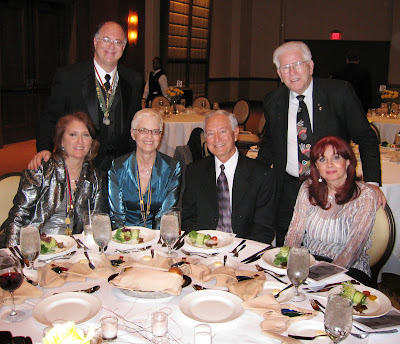
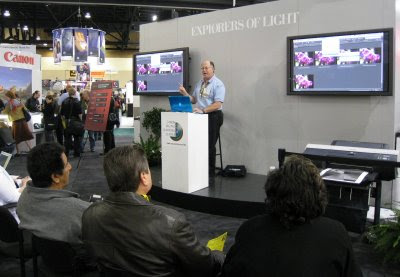
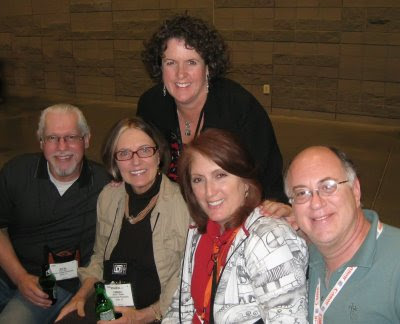
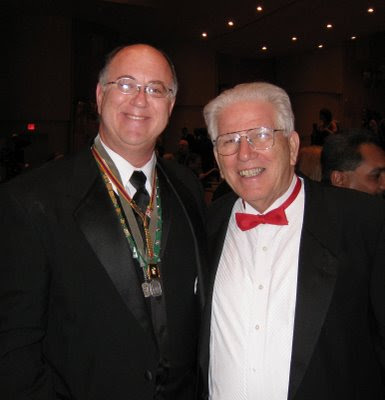
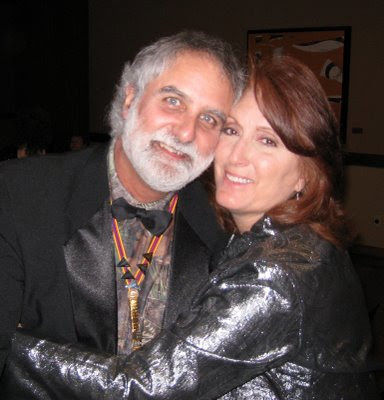
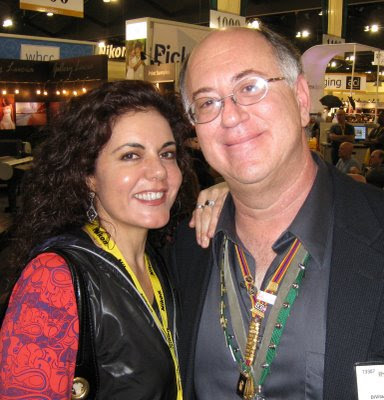
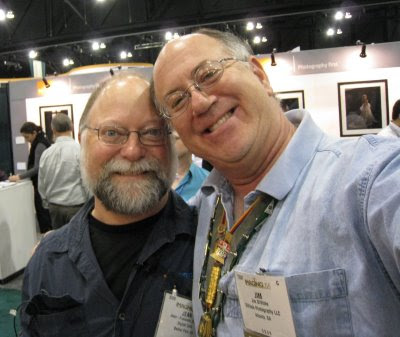
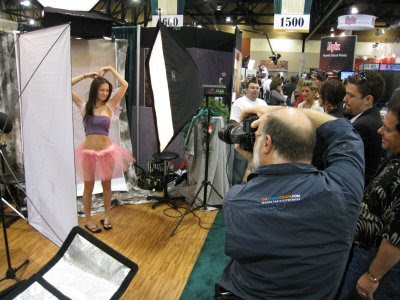
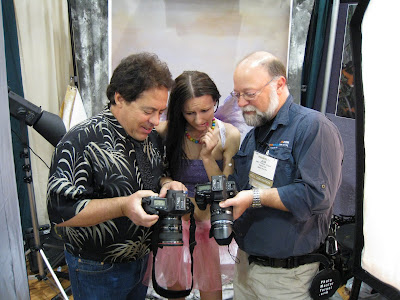
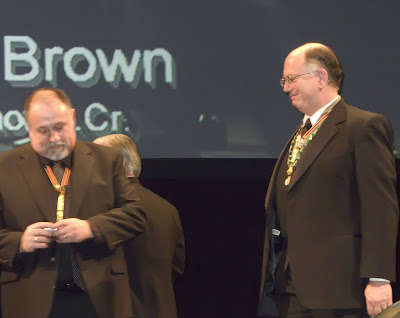
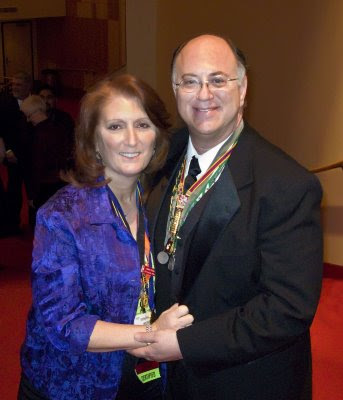
Helene and I had a great time in Phoenix at Imaging USA. We got to see lots of friends and attend many classes. Many of our fellow Photoshop World instructors were there teaching, so we got to sit in on some classes that we never have time to see at the NAPP shows. Several of our close friends were receiving degrees this year so it was nice to be there with them for the awards ceremony. I received the Imaging Excellence Bar for a earning 13 additional PPA Loan collection merits over the last few years. I did two programs in the Canon Explorers of Light stage in the trade show to a nice sized crown of photographers. One program was on how to stitch panoramic images, and the second one was on shooting techniques using Merge to HDR and Extended Depth of Field. Arizona is a great place for these shows as the weather was perfect and the brand new convention center was very nice. Here are some photos from the show.....

December 27, 2008
We have moved to a new web address
I hope everyone had a nice holiday. I am starting the new year with a new blog address and format that I hope will read better on your computer. I will keep the 2008 archives at the old address if you would like to refer to any of the older posts. You can find them
at http://web.mac.com/jimdivitale. Please bookmark this new Blog address and I invite you to subscribe and become a follower of Digital Imaging Tune-Up Clinic Blog by clicking on the link to the upper right of the page. I will try to post 3 to 4 different tutorial lessons each month if possible, but sometimes the shooting or seminar schedule might interrupt the writing schedule. If you are looking for a new post and there is not one there, please be patient with me.
I am sure many of you have already upgraded to the newest version of Adobe Photoshop CS4. Some of you may not have and are waiting to make sure it is stable or maybe waiting to see what others are saying about the upgrade. There's no reason to be waiting. The longer you wait, the more catching up you have to do with all your competition. Many of the upgrades to the newest version are improvements under the hood. They are not new tools, but improvements to the tools that are already there. Big improvements! One new tool that I really like is the new Content Aware Scaling. This is a very subtle new tool that lets us re-size document dimensions while preserving the most important main subject from distorting. This will be very important when the finished image doesn't quite fit the final output size needed for delivery and croping the image is the best option. I think this is one of the most
amazing technologies Adobe has ever come up with. Let's look at a simple example.

In this image of a bald eagle, we see that it was photographed as a horizontal image. Yes, you could crop it to a vertical image, but you would loose a lot of the volcano in the background. If you used the traditional Free-Transform Tool Command-t (PC Control-T) and scaled it, it would become totally distorted and that wouldn't work at all.


Now with Content Aware Scaling, you can size this horizontal image to become a vertical by pressing Command-Option-Shift-C (PC: Control-Alt-Shift-C) and the main subject of the eagle stays in proper shape, while the rest of the image scales back to the vertical shape...

It's just plain amazing the way it works... It's kind of spooky!.... How does it know that?..... This is going to be very important for image re-use when it was shot for one crop, and then needed for another later. Well worth the upgrade, and this is just one of the many improvements to Photoshop CS4...
Helene and I are just returning from a nice cruise over the New Years Holiday and Helene's birthday. Leaving out of Miami, we spent a week with friends visiting Key West and Grand Cayman. As we got ready to start our vacation, we decided to leave the bags of cameras behind and just take the Canon G-9 cameras with us instead. They worked great and we were a lot happier not carrying heavy bags of equipment around when we were supposed to be relaxing. We had a great time and feel ready to start the new year.


Off to Imaging USA conference this weekend to do some Canon sponsored programs in the trade show. If you are going to be there, please check the speaker schedule in the Canon booth and come by for a visit..... Till next time... Have a great week... Jimmy D.....
Training DVD's and are available through Software Cinema
Please visit my website at DiVitalePhotography.com for more information on upcoming classes,workshops and seminars in both Atlanta and around the country.
Please add any comments, questions or suggestions by clicking the comment button below. I would love to hear what you think of the new look, and how well it works on your computer. The older Blog seemed to take more time to load for many viewers. Any topics you would like me to write about?... Just let me know.....

Subscribe to:
Posts (Atom)